
Boot your system and press DEL repeatedly as it boots to enter the BIOS.
Once there, navigate to the "Settings" tab, and then to "Platform Power".
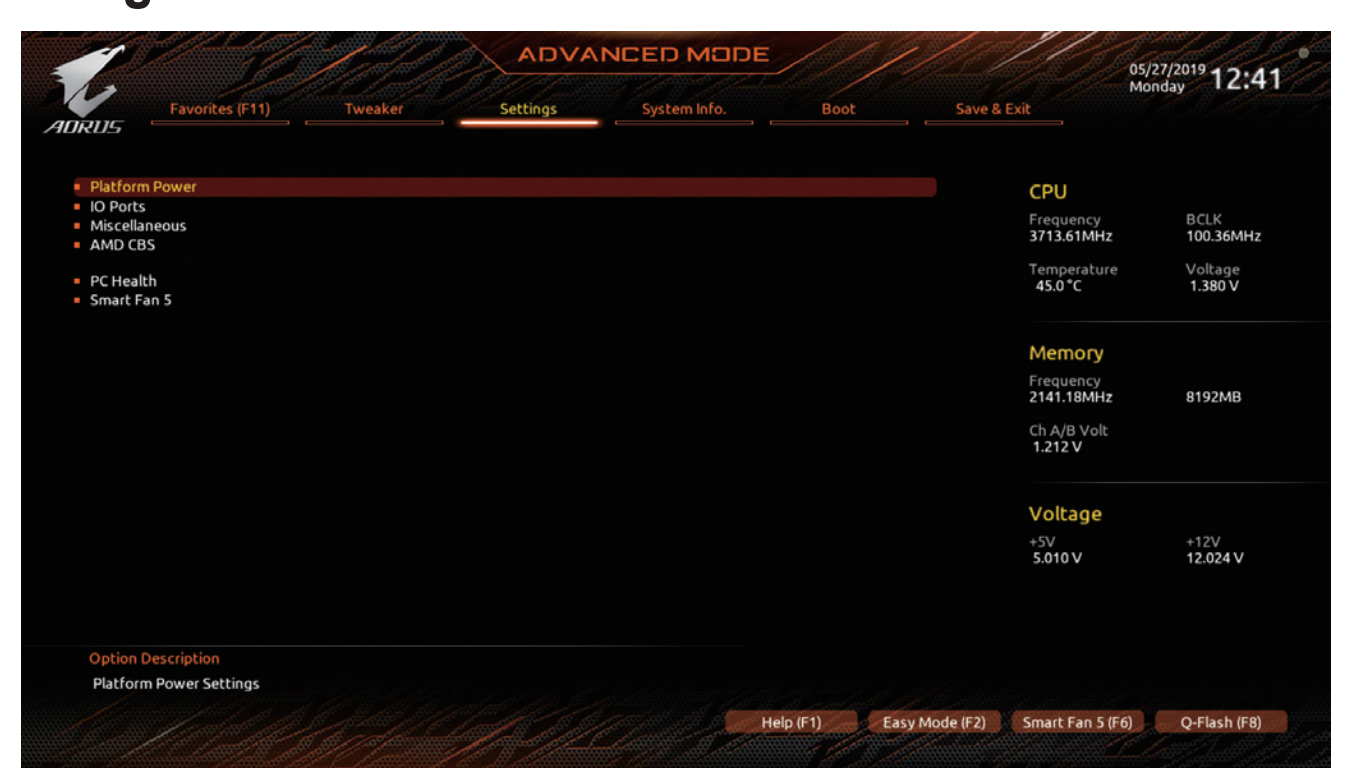
Under this menu, locate "ErP", and set it to "Enabled".
Navigate to the "Save and Exit" tab, and select the option to exit saving changes.
The system will reboot, and now you can try shutting down, and see if the USB ports are not powered when the system is powered off.